


USPS: how the US mail carries your order to the warehouse and how to read its tracking
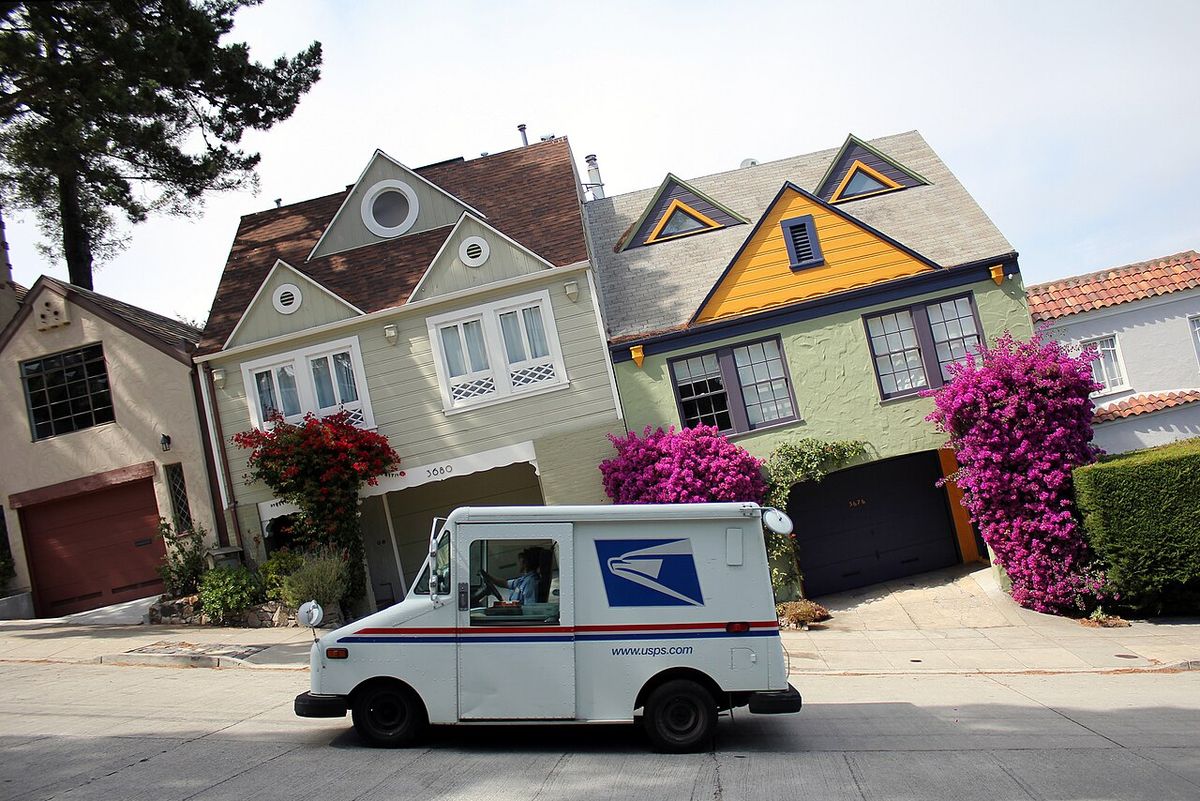
USPS (United States Postal Service) is the US government postal service, and when you shop at American stores you encounter it more often than any other carrier: it delivers more than a third of all incoming boxes to our warehouse in Delaware. The store itself chooses who to hand the order to, and all that's left for you is to keep track of the shipment number and know how the warehouse handles the parcel after the mail carrier has delivered it.
16.05.2025
29684 views
How many boxes the US postal service delivers to our warehouse
We looked at the tracking numbers on the boxes that arrived at the warehouse for Pochtoy customers from November 15, 2025 to November 15, 2026. Among those where the carrier can be identified by the format of the number, about half arrived with a USPS number. Next come UPS (about 18%), Amazon parcels with its own delivery (about 14%), FedEx (about 9%), and small regional services (about 6%).
One order, two numbers
Sometimes one box has two shipment numbers: the store or its delivery service prints its own label, while the parcel completes the last leg of its journey under a USPS postal number. The postal number is long, usually 22 digits, and in our boxes it most often starts with 94 or 92. If the first carrier's tracking has stopped updating or says the parcel has been handed over to the post office, look for its further movement using the second number.
If a box doesn't appear in your account for a long time, send us both numbers when you contact us — it makes it easier to find.
How to read USPS tracking lines
The USPS tracking is written in English, and there can be many lines. The main ones look like this:
- Label Created, not yet in system or Pre-Shipment — the store has printed the label, but the post office has not yet received the box. A parcel can stay in this status for several days while the store is preparing it.
- Accepted or USPS in possession of item — the post office has accepted the shipment.
- In Transit, Arrived at / Departed USPS Facility — the box is traveling between sorting centers. It is normal to see no new tracking lines for a few days, and on their own they are not yet a reason to worry.
- Out for Delivery — the parcel is with the mail carrier, and delivery is expected the same day.
- Delivered — the post office has marked the parcel as delivered to the warehouse address.
- Delivery Attempted or Notice Left — delivery was unsuccessful, and usually delivery will be attempted again.
- Return to Sender — the parcel is being returned to the store. One possible reason is an error in the address, so it is worth checking it when placing the order.
Please note that the Delivered status is set at the moment the post office hands the box over to the warehouse. For the parcel to appear in your account, the warehouse needs to receive it, identify the owner, and weigh it, and this takes time.
Locker number in the address and expected parcel
The warehouse identifies the owner of a box in two ways: by the tracking number, which you entered in advance as an expected parcel, or by your suite number (suite, ste) in the address line. You can add a parcel in the "Expected parcels" section of your personal account. If the store split an order into several boxes, each one is registered separately.
The suite number is more important than it seems. Some stores truncate a long address line, and a box without a suite ends up on the list of unidentified parcels. If the tracking number has been entered in that case, the owner will still be found. For more details on how to fill in the address and what happens to a parcel after it is received, see the questions about the virtual address.
The warehouse does not accept parcels that require payment on delivery: the order must be fully paid for in the store.
Tracking says "delivered", but my account shows nothing
It happens, and our procedure is simple:
- The first 24–48 hours after the Delivered status, just wait. The parcel will appear in your account on its own once the warehouse receives it, and you will get an email notification.
- More than 48 hours have passed — enter the tracking number in your account: "Parcels" → "Search incoming (by tracking)". If the box has already been received but not linked to your account, the system will assign it to you within a day after processing.
- The search found nothing — write to us in a ticket and provide the tracking number (both, if there are two) and the order number from the store.
When the contents of the box raise doubts, you can check them with a photo: you can order one from the "Parcels" section, and the photos are ready within 12 hours.
USPS can deliver the package all the way to you, too
USPS works in the opposite direction too: among our rates there are international USPS EMS and USPS Priority, where the parcel is accepted by the US post office, and in the recipient's country the local post office delivers it to the door or to a branch. Which services are available for your address and how much they cost is shown by the shipping calculator: the list depends on the country. For Russia there are also rates with CDEK delivery; the transit times and prices of all options are on the prices page.
When buying on your own, enter the tracking number of the expected parcel as soon as the store sends the shipping confirmation email: that way, a box delivered by the post office won't have to wait to be identified by its address.